 Vietnamnet.vn

 Podcast



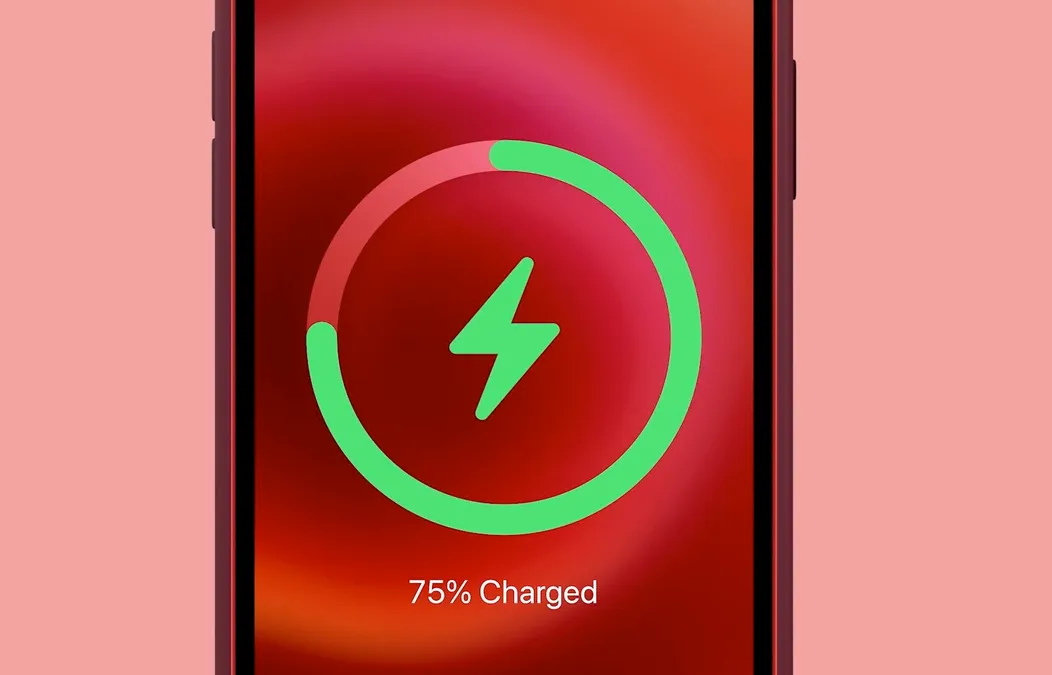
There is a correct way and an incorrect way to charge your iPhone - make sure you are doing it properly. Photo: Apple.
In reality, there are numerous reasons why an iPhone may charge slowly - ranging from the power adapter and cable to usage habits and even new software features in iOS 26.
The good news is that you can often restore proper charging speed without purchasing expensive new accessories.
The right charger determines charging speed
The fastest way to charge an iPhone is by using a fast charger. Specifically, you need a power adapter rated at least 20W, paired with a USB-C to Lightning cable or a USB-C to USB-C cable for iPhone 15 models and newer.
If you are using an iPhone 8 or later, fast charging technology allows the battery to reach around 50 percent in approximately 30 minutes.
Even a 10-minute charge can push the battery into double digits - a true lifesaver when you are in a hurry. Apple no longer includes a power adapter in the box, but you can purchase an official 20W charger or compatible alternatives.
For iPhone 12 and newer models, the adapter must deliver at least 20W to achieve proper fast charging speeds.
Notably, iOS 26 now displays a “Slow Charger” notification directly on the lock screen if the system detects that your adapter or cable does not supply sufficient power.
Wireless charging can be fast - if you use the right standard
Wireless charging no longer automatically means slow charging. With Apple’s MagSafe or a Qi2-certified charger combined with a 20W adapter, iPhone 12 and later models can reach wireless charging speeds of up to 15W. Under ideal conditions, the battery can climb to roughly 30 percent in 30 minutes.
However, not all wireless charging pads are created equal. Older Qi chargers typically max out at 7.5W, which is significantly slower.
Even some magnetic chargers that look premium but lack official MagSafe certification will only deliver these lower speeds.
Do not rely on your computer to charge your phone
Plugging your iPhone into a laptop may be convenient, but it is almost always the slowest charging method. Whether through USB-A or USB-C, computers simply cannot provide the same level of power as a wall outlet.
On older computers, degraded USB ports or incompatible cables can slow the process even further.
Using your phone while charging is the enemy of speed
Streaming videos, gaming or scrolling social media while charging will dramatically slow the process. The energy being supplied is immediately consumed. If you want faster charging, let your iPhone rest as much as possible.
Powering off: a simple but highly effective trick
Even with the screen off, your iPhone continues running background processes. If you want the battery to fill as quickly as possible, power it off completely.
One small tip: plug the charger in first, then turn the device off, as some iPhones automatically power on when connected to electricity.
Airplane mode: a reasonable middle ground
If turning off the device feels inconvenient, switch on Airplane mode. This disables cellular signals, Wi-Fi and Bluetooth - all major power consumers.
Your iPhone will charge faster, and you can easily disable Airplane mode to check important calls or messages when needed.
Temperature also affects charging speed
It is normal for an iPhone to warm up during charging. However, if it becomes too hot, iOS may temporarily pause charging to protect the battery. Once the temperature returns to a safe level, charging resumes.
Place your iPhone in a cool, well-ventilated area and avoid direct sunlight. You can also check Settings > Battery to see if charging has previously been paused due to overheating.
Adjust settings to charge faster
Several battery-saving features also help speed up charging:
Low Power Mode reduces 5G usage, screen brightness, background app refresh and automatic downloads.
Dark Mode may have a debated impact on battery savings, but enabling it during charging does no harm.
Lowering screen brightness is particularly effective, as the display is one of the most power-hungry components. The brighter the screen, the faster the battery drains.
Optimized charging may be slowing things down
The Optimized Battery Charging feature is designed to extend battery lifespan, but it can intentionally slow charging, especially during long or overnight sessions.
If you urgently need a faster charge, you can temporarily disable this feature in Settings > Battery > Battery Health.
When is it time to replace the battery?
If Battery Health displays a serious degradation warning, it may be time to consider a replacement. A worn battery struggles to hold charge, resulting in both slow charging and rapid draining.
For the iPhone 15 series, Apple estimates official battery replacement costs at around US$99, depending on region and warranty coverage.
Slow iPhone charging is not always a hardware issue. In most cases, adjusting your charger, habits and system settings can make a noticeable difference.
These simple steps can help ensure your iPhone stays ready to support you - whether during a busy workday or on long journeys.
Hai Phong
.svg)
