 Vietnamnet.vn

 Podcast



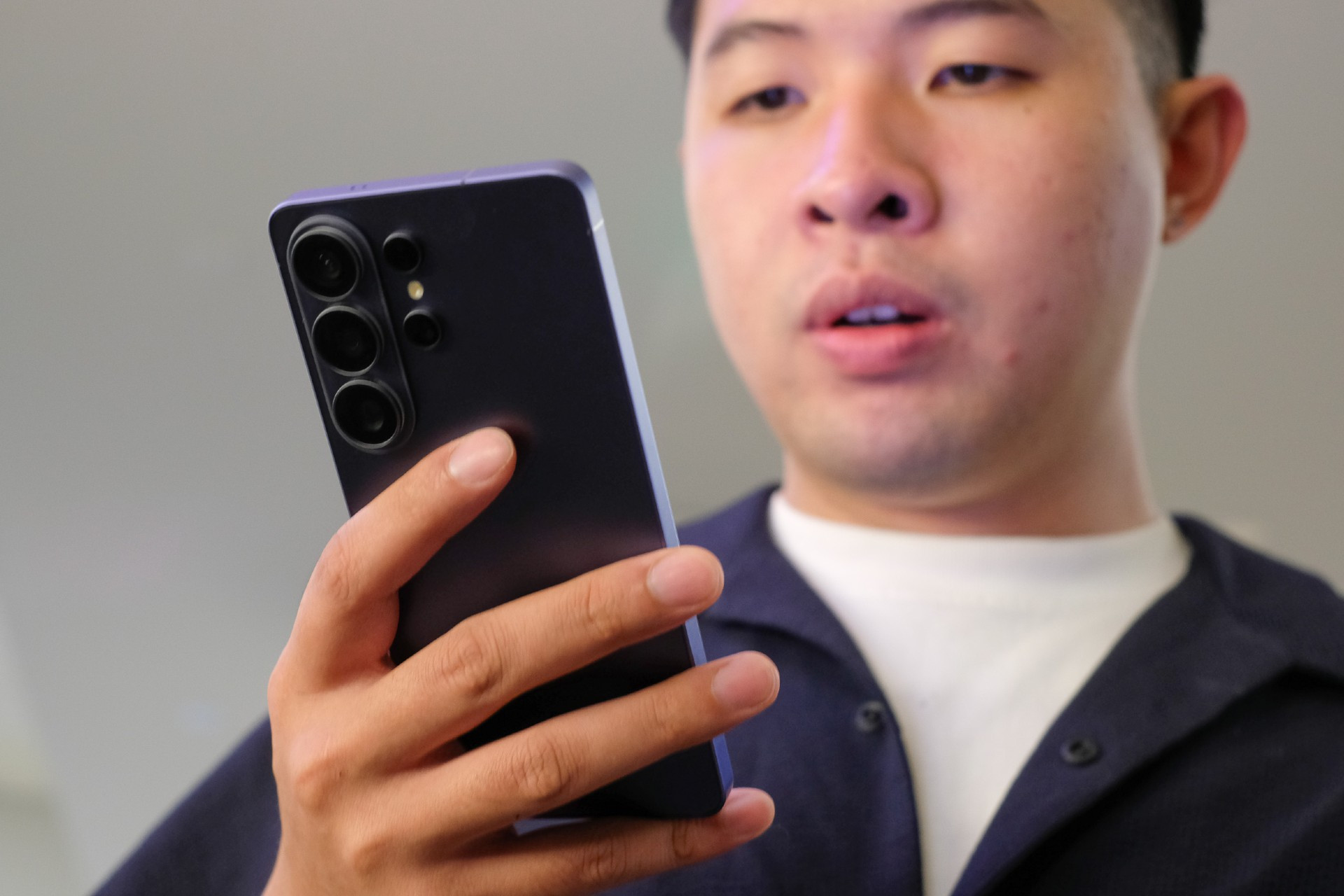
When first introduced, the Privacy Display feature on the Samsung Electronics flagship raised eyebrows. After all, privacy screen protectors have long been available for most smartphones, offering a simple way to block side-angle viewing.
For some early reviewers who had hands-on access to the Galaxy S26 Ultra, the initial reaction was similar: Was this truly different, or just a built-in version of an existing accessory?
Only after using the feature in real-life scenarios did perceptions begin to shift.
A practical tool for sensitive work
For tech reviewer Hai Trieu from Schannel, Privacy Display addresses a very real professional need. As someone who frequently receives confidential materials and pre-release product information under non-disclosure agreements, even a brief accidental glance from someone nearby could pose serious consequences.
Much of his work takes place outside closed office environments, and his smartphone remains the primary device for handling documents. Previously, reviewing sensitive files in public required constant caution - tilting the screen, limiting notification previews, or even applying a physical privacy screen protector.
However, such protectors often compromise display clarity and color accuracy - a drawback for a content creator who regularly edits and reviews photos and videos directly on the device.
With the Galaxy S26 Ultra, Hai Trieu says the difference lies not in an immediate “wow” effect, but in everyday comfort. When handling sensitive documents, he can activate Privacy Display to restrict side viewing angles. When editing images or watching content, he simply turns it off to restore full display quality.
For him, this is the first time protecting on-screen content no longer means sacrificing visual performance throughout the day.
The feature also includes a “Maximum Privacy” mode, which further narrows the viewing angle in particularly sensitive situations. According to the reviewer, this creates a near “sealed-off” experience, offering strong peace of mind when working in public spaces.
Everyday privacy, not just work security
For reviewer Dan Anh from Chill with Dan, the value of Privacy Display lies more in everyday scenarios.
She notes that when users actively open an app or message, they can control the angle and timing. The more awkward situations arise when unexpected notifications - from banking apps, work emails or private messages - suddenly appear in crowded places.
Unlike physical privacy screen protectors, which she avoids due to reduced brightness and clarity, the Galaxy S26 Ultra’s built-in solution offers flexibility. When activated, sensitive notifications can be blurred or made unreadable from side angles, while remaining clearly visible to the user viewing the screen head-on.
This allows her to maintain privacy protection throughout the day without compromising display quality for entertainment or photo editing.
A feature that proves its value over time Both reviewers agree that Privacy Display is not a feature that stands out on a spec sheet. Its real value becomes clear only through daily use.
“Before, I thought smartphone privacy was something you could manage yourself by tilting the screen or covering it with your hand,” Hai Trieu said. “But after using Privacy Display for a while, I realized those were just temporary fixes. This is the kind of feature that, once you get used to it, you won’t want to go back to a phone without it.”
PV
.svg)
